

You’ve bought the Electric Vehicle. It’s quiet, it’s fast, and your monthly gas bill has vanished. Then someone suggests a road trip. Suddenly, that freedom feels like a math problem. Will you make it to the next town? Is there a charger when you get there? And why does "charging" take longer than filling a tank?
Here is the truth: EV road trip planning isn’t about finding any plug; it’s about managing energy flow. If you treat an EV like a gas car, you’ll end up stranded or frustrated. But if you understand how batteries work, which apps actually tell the truth, and how to calculate realistic stop times, you can travel just as far-sometimes farther-than internal combustion drivers. This guide breaks down exactly how to plan, charge, and arrive without the stress.
The Battery Reality Check: Why Your Dashboard Lie Matters
Your EV dashboard shows a number: miles remaining. That number is a guess based on your recent driving habits. On a highway at 75 mph with the AC blasting, that estimate might be wrong by 20%. This is where most beginners fail. They trust the static number instead of understanding Energy Consumption.
Batteries are sensitive to speed and temperature. Aerodynamic drag increases exponentially with speed. Driving 80 mph instead of 65 mph can cut your range by nearly 30% in some models. Cold weather hurts too. At freezing temperatures, battery chemistry slows down, reducing available capacity by another 10-20% until the pack warms up.
Rule of Thumb: Never plan to arrive with less than 10% state of charge (SoC). Treat that last 10% as your emergency buffer, not part of your usable range. When calculating your distance, assume your real-world highway range is 70-75% of the EPA-rated figure. If your car claims 300 miles, plan for 210-225 miles between charges on a long trip.
Choosing the Right Route Planner App
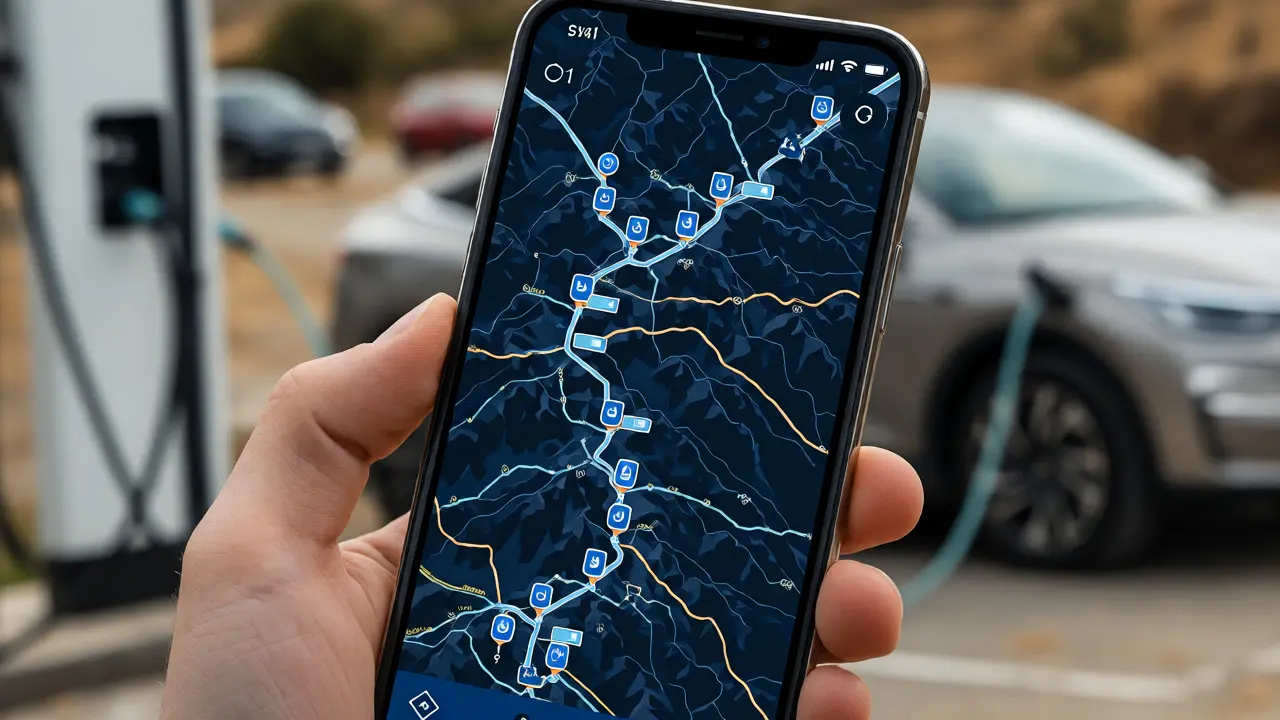
Not all maps are created equal for EVs. Google Maps is great for general navigation, but its EV routing features have historically been inconsistent. For serious road trips, you need dedicated EV Route Planners that account for elevation changes, headwinds, and real-time charger availability.
Here are the top contenders and what they do best:
- A Better Routeplanner (ABRP): The gold standard for enthusiasts. It lets you input your exact car model, wheel size, and even roof box status. It calculates energy usage per mile based on terrain and speed. You can set your arrival SoC target (e.g., 15%) and it will insert stops accordingly. It’s complex but incredibly accurate.
- Tesla Navigation: If you drive a Tesla, this is non-negotiable. It integrates directly with the Supercharger Network, pre-conditioning your battery before you arrive so you charge faster. It automatically adds stops and updates them if a charger goes offline.
- PlugShare: Think of this as Yelp for chargers. It doesn’t always give the best route, but it tells you if the charger is actually working. Users report broken units, blocked spots, and amenities nearby (like coffee shops). Use this to verify ABRP suggestions.
- Electrify America App: Essential if you’re traveling in areas dominated by Electrify America stations. It shows live power output and session history, helping you avoid stations that are currently maxed out.
| App Name | Best For | Key Feature | Cost |
|---|---|---|---|
| A Better Routeplanner | Customizable precision | Terrain-aware energy modeling | Free / Premium ($4.99/mo) |
| Tesla Nav | Tesla Owners | Battery pre-conditioning integration | Included |
| PlugShare | Charger verification | User reviews & photos | Free / Plus ($5.99/mo) |
| Google Maps | Casual users | Simplicity & ubiquity | Free |
Mastering Charging Times: The Curve is Not Linear
This is the biggest misconception: "I’ll just charge to 100% every time." Don’t. Charging speeds slow down significantly as the battery fills up. This is called the Charging Curve.
Most modern EVs peak in charging speed between 10% and 50% SoC. Once you hit 80%, the speed drops dramatically to protect the battery cells. Charging from 80% to 100% can take almost as long as going from 10% to 80%. For road trips, efficiency matters more than fullness.
The 10-80 Strategy: Arrive at a station with ~10% left. Charge only to 80-90%. Leave immediately. Yes, you lose range, but you save 15-20 minutes per stop. Over a 500-mile trip, this strategy saves over an hour compared to topping off to 100% each time.
How fast can you go? It depends on your car’s architecture. Newer cars with 800-volt systems (like the Hyundai Ioniq 5 or Kia EV6) can handle higher power inputs than older 400-volt cars. However, the charger must also support it. A 350kW station won’t help if your car caps at 150kW.
Pre-Conditioning: The Secret Weapon for Speed
Lithium-ion batteries hate cold. If you pull into a fast charger with a cold battery, the car limits the charging speed to prevent damage. You might see 20kW instead of the potential 150kW. This ruins your time estimates.
The solution is Battery Pre-conditioning. Most EVs allow you to navigate to a specific DC Fast Charger via the infotainment system. The car then uses energy from the grid (while plugged in) or the battery to heat the pack to the optimal temperature (usually around 72°F/22°C) before you arrive.
Pro Tip: Always enter your destination charger into the car’s native navigation system, even if you’re using Apple CarPlay or Android Auto for music. This triggers the heating logic. If you don’t have native nav integration, manually turn on seat heaters and max out the cabin climate control 15 minutes before arriving. It helps warm the cabin air, which indirectly aids thermal management.
Dealing with Charger Anxiety and Real-World Hiccups
What happens when you arrive and the charger is broken? Or occupied? This is the reality of public infrastructure. In 2026, reliability has improved, but it’s not perfect. According to J.D. Power studies, roughly 1 in 10 public charging sessions encounters an issue.
Here is your contingency plan:
- Always Have a Backup: When planning a stop, identify two alternative chargers within 5-10 miles. ABRP allows you to save multiple destinations.
- Check Live Status: Before leaving your current location, check PlugShare or the network app (ChargePoint, EVgo, etc.) for recent user comments. If someone said "broken" two hours ago, believe them.
- Know Your Adapters: With the shift to NACS (North American Charging Standard), many new EVs use Tesla plugs. Older CCS cars may need adapters. Ensure you carry the correct adapter if your car isn’t natively compatible with the dominant network in your region.
- Level 2 as a Fallback: If all DC fast chargers are down, look for Level 2 chargers at hotels, malls, or workplaces. They add about 20-30 miles of range per hour. It’s slower, but if you’re stopping for lunch anyway, it’s free range.
Sample Itinerary: A 300-Mile Trip in a Mid-Range EV
Let’s say you’re driving a 2024 Ford Mustang Mach-E with a 300-mile EPA rating. You want to drive 300 miles in one day. Here’s how the math works out:
- Departure: Start at 100% charge.
- Leg 1: Drive 200 miles. Due to highway speeds, you’ll likely arrive at 15% SoC.
- Stop 1: Pull into a 150kW+ DC Fast Charger. Pre-condition was active. You charge from 15% to 80% in 25 minutes. You gain 195 miles of range.
- Leg 2: Drive the remaining 100 miles. You arrive at destination with 60% SoC.
Total driving time: ~4.5 hours. Total charging time: ~25 minutes. Total trip time: ~5 hours. Compare this to a gas car: 4.5 hours driving + 10 minutes fueling = 4 hours 40 minutes. The difference is minimal, especially if you use the charging break to stretch, grab coffee, or check emails.
Frequently Asked Questions
Do I need to charge my EV to 100% before a road trip?
No, and often you shouldn't. Charging to 100% takes disproportionately long because the charging curve flattens out at high states of charge. For road trips, charging to 80-90% is usually more efficient. Save the 100% charge for when you need maximum range for a single long leg without access to fast chargers.
Which app is the most reliable for finding working chargers?
PlugShare is widely considered the most reliable for verifying operational status because it relies on crowdsourced data. Users post real-time updates if a charger is broken or blocked. While A Better Routeplanner is better for calculating routes, PlugShare is superior for checking if the hardware actually works.
How much does it cost to charge an EV on a road trip?
Public DC fast charging typically costs between $0.30 and $0.60 per kWh. Assuming an average consumption of 3.5 miles per kWh, a 300-mile trip could cost $25-$50 depending on rates. This is generally cheaper than gasoline for comparable vehicles, but prices vary wildly by location and network. Home charging remains the cheapest option.
Can I use Tesla Superchargers if I don't own a Tesla?
Yes. As of 2026, most Tesla Supercharger sites in North America are open to non-Tesla EVs. You will need a CCS connector or an adapter if your car uses a different port. Access is usually managed through the Tesla app or a third-party network app, depending on the site's configuration.
Does cold weather really affect EV range on road trips?
Significantly. In winter conditions, expect a 20-30% reduction in range due to battery inefficiency and increased energy demand for cabin heating. Additionally, cold batteries charge slower unless pre-conditioned. Always add extra buffer stops in winter compared to summer plans.