
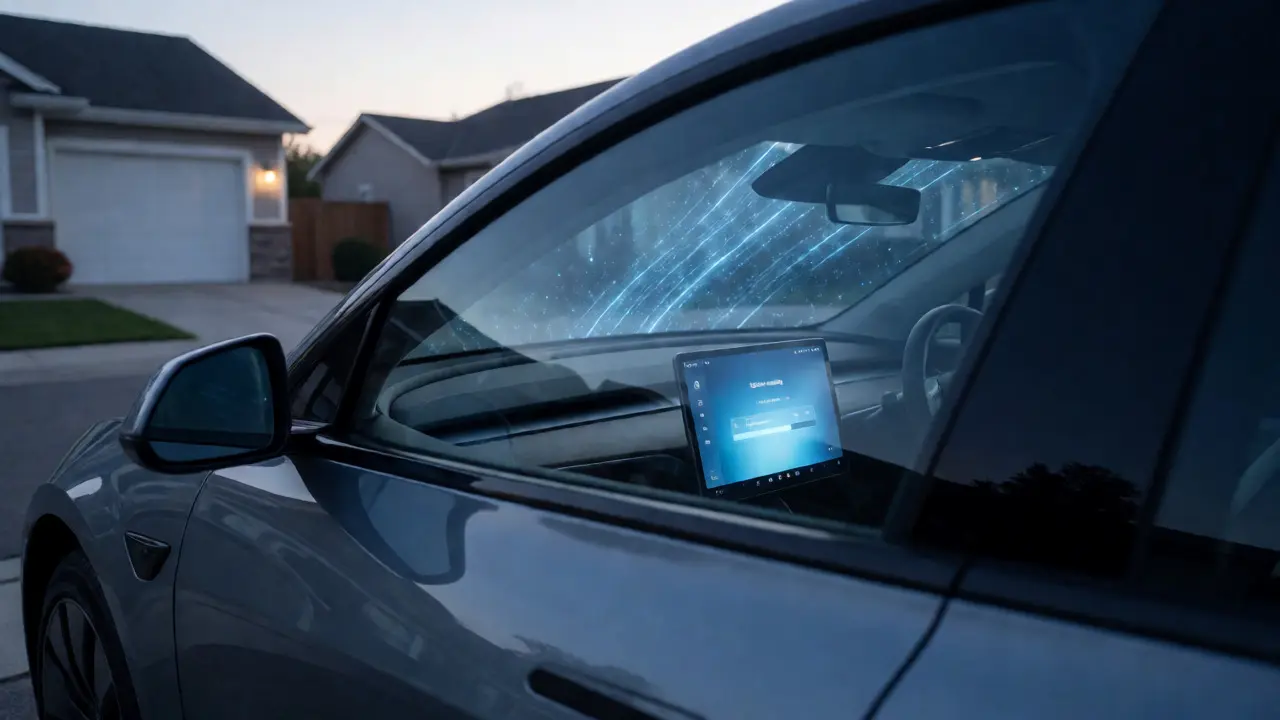
Imagine waking up to find your car is faster, smarter, or just less annoying than it was when you went to sleep. That isn't science fiction; it's the reality of modern electric vehicles. Unlike traditional cars that stay static from the day they leave the factory until they're scrapped, EVs are rolling computers on wheels. They evolve through over-the-air (OTA) software updates. If you've ever wondered why your dashboard suddenly looks different or why your range seems slightly better after a few weeks, this is why.
But these updates aren't always sunshine and rainbows. Sometimes they break things. Sometimes they hide features behind paywalls. And sometimes, they just take too long to install while you're trying to get to work. Let's unpack what actually happens when your EV gets a software update, how it affects your driving experience, and what you need to watch out for in 2026.
What Exactly Are Over-The-Air Updates?
Over-the-air updates are wireless deliveries of new software code to your vehicle’s central computer. Think of them like app updates on your smartphone, but instead of fixing Instagram bugs, they might adjust how your battery charges or change the acceleration curve. Traditional automakers used to handle this via USB sticks or dealership visits, which meant waiting months for a fix. Now, companies like Tesla, Rivian, and Hyundai push changes directly to your car while it sits in your driveway.
The process usually involves downloading a package via Wi-Fi to save data costs, then installing it when the car is parked and off. The installation can take anywhere from ten minutes to an hour. During this time, you can't drive the car. This downtime is the main trade-off for having a vehicle that improves over time.
How Software Changes Your Driving Dynamics
The most tangible benefit of an EV update is often found in performance metrics. Manufacturers can tweak motor torque delivery, regenerative braking strength, and suspension damping if the car has adaptive air suspension. For instance, some drivers have reported their cars becoming noticeably quicker in 0-60 mph times after a firmware patch optimized power electronics efficiency. It’s not magic physics; it’s better code managing the existing hardware more effectively.
- Acceleration: Updated algorithms can reduce lag between pressing the pedal and the motor responding.
- Regenerative Braking: You might notice one-pedal driving becomes smoother or more aggressive based on user feedback data.
- Range Optimization: Better thermal management code can help the battery maintain ideal temperatures, squeezing out extra miles in cold weather.
However, be careful with expectations. A software update cannot turn a base model motor into a high-performance unit if the physical hardware limits are reached. But it can certainly make the car feel more refined and responsive.
New Features: The Gift That Keeps Giving
One of the biggest selling points of buying an EV today is the promise of future capabilities. Remember when Autopilot was just lane keeping? Now, many EVs offer advanced driver-assistance systems (ADAS) that were optional extras at launch but became standard or improved via software. In 2026, we’re seeing significant jumps in navigation accuracy, voice assistant responsiveness, and even entertainment options.
Sometimes, manufacturers introduce "feature flags"-code that exists in the car but is turned off remotely. This allows them to roll out features gradually. You might see a new UI theme appear, or a new game mode for charging sessions. These additions keep the ownership experience fresh. Instead of feeling obsolete in three years, your car feels like it’s getting younger.
| Update Type | Primary Impact | Typical Duration |
|---|---|---|
| Critical Security Patch | Fixes vulnerabilities; prevents hacking risks. | 10-20 minutes |
| Performance Tune | Adjusts motor output, battery heating, or braking. | 30-45 minutes |
| Infotainment/UI Update | New apps, map data, interface redesigns. | 20-60 minutes |
| ADAS Enhancement | Improves Autopilot/Supercharger routing or safety alerts. | 45-90 minutes |
The Dark Side: Bugs and Glitches
Let’s be honest: software is rarely perfect. When developers rush to meet deadlines, bugs slip through. Some EV owners have experienced screens freezing mid-drive, doors failing to unlock, or phantom brake warnings appearing on the dashboard. These issues are frustrating because they happen without warning, often right after an update.
A notable example occurred when certain models received updates that inadvertently disabled key fob functionality, forcing users to rely solely on phone Bluetooth. While rare, such regressions highlight the risk of pushing untested code to millions of vehicles simultaneously. Always read the release notes before hitting "install." If other users report major glitches on forums, wait a few days before updating your own car.
Subscription Models and Paywalled Features
Here’s where it gets tricky for your wallet. As software defines more of the car’s value, manufacturers are experimenting with subscription services. Imagine paying a monthly fee to unlock heated seats or higher top speeds. While some brands include these features in the purchase price, others treat them as digital goods. This shift means the total cost of ownership now includes potential recurring software fees.
Before you buy an EV, check its software policy. Does the manufacturer charge for connectivity? Is the full suite of driver-assist features included, or is there a tiered system? Understanding this upfront prevents sticker shock later.
Best Practices for Managing Updates
You don’t have to be a tech wizard to manage your EV’s software health, but a little caution goes a long way. Here is a simple checklist to keep your car running smoothly:
- Connect to Wi-Fi: Always download updates on home Wi-Fi to avoid cellular data caps and ensure stability.
- Check Battery Level: Most cars require at least 20-30% charge to start an update. Don’t let it dip below this during installation.
- Schedule Wisely: Set updates to install overnight or when you know you won’t need the car for several hours.
- Backup Settings: Some updates reset seat positions or audio preferences. Take screenshots of your current settings if you’re particular about them.
- Monitor Community Feedback: Check Reddit threads or owner groups for your specific model before accepting a major version update.
Can I skip an EV software update?
Yes, usually you can delay non-critical updates for a few weeks. However, security patches are recommended to install promptly to protect against potential vulnerabilities. Critical safety updates may eventually force themselves upon you if ignored for too long.
Do software updates void my warranty?
No, official manufacturer updates do not void your warranty. In fact, ignoring critical recalls delivered via software could potentially complicate warranty claims related to those specific components. Stick to official channels for all updates.
Why does my EV range drop after an update?
Sometimes updates recalibrate the Battery Management System (BMS). Initially, the estimated range might look lower as the system learns your driving habits again. Additionally, if the update introduces more frequent background processes for infotainment, it could slightly increase energy consumption.
Can I downgrade my EV software?
Generally, no. Once an update is installed, reverting to an older version usually requires a visit to a service center with specialized diagnostic tools. It is not something you can easily do yourself at home.
How often should I expect updates?
Frequency varies by brand. Tesla might push minor patches weekly and major versions quarterly. Other manufacturers may release fewer, larger updates every six months. It depends on the company’s development cycle and customer feedback volume.