
Buying a used car is less about the shiny exterior and more about what happens when you sit inside. You can wax away scratches on the hood, but you cannot easily fix a failing infotainment system or worn-out seat controls. The Interior Condition and Electronic Feature Testing Checklist is a systematic approach to evaluating the cabin environment and digital systems of a vehicle before purchase. This process separates reliable daily drivers from expensive headaches.
Most buyers focus on engine noise and tire tread. They miss the subtle signs of water damage, electrical shorts, and comfort features that define your daily drive. By the time you notice the Bluetooth won't pair or the heated seats stop working, you are already stuck with the bill. This guide walks you through every switch, screen, and surface you need to check.
The First Impression: Cabin Smell and Visual Scan
Before you even start the engine, take a deep breath. Your nose detects problems your eyes might miss. A fresh air vent spray often masks deeper issues. If the car smells like mildew, wet cardboard, or overly sweet perfume, suspect water intrusion. Flooded cars retain moisture in carpets and insulation long after the visible water is gone. This leads to mold growth and electrical corrosion months later.
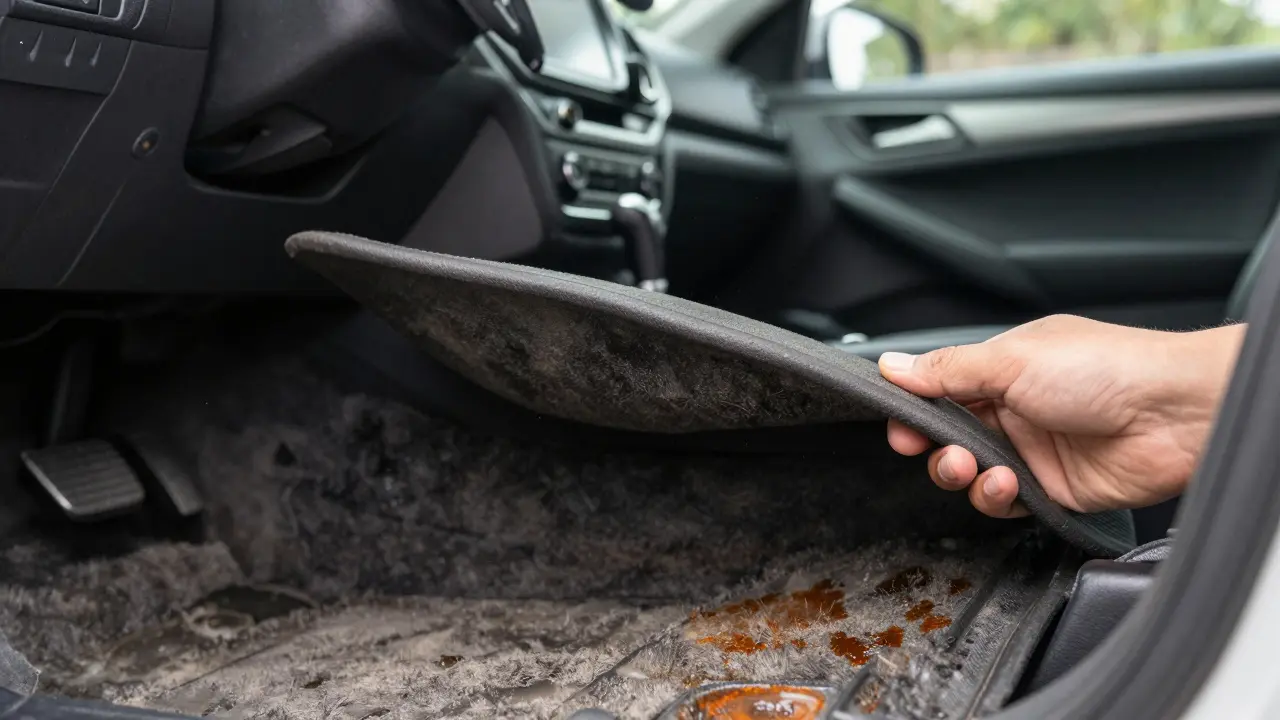
Next, look at the dashboard and door panels. Are there cracks around the edges? Sun damage causes plastic to become brittle. While this doesn't affect safety, it signals poor maintenance. Check the floor mats. Lift them up. Is the carpet damp? Are there stains that look like rust bleeding through? Rust under the carpet indicates a leak from the sunroof drains or windshield seal. These leaks destroy wiring harnesses hidden beneath the floor.
- Smell test: Look for mildew, smoke, or excessive air freshener use.
- Carpet inspection: Lift mats to check for dampness, stains, or rust spots.
- Plastic condition: Check for cracking on the dash and door cards.
- Upholstery wear: Inspect seats for tears, sagging foam, or heavy staining.
Seat Functionality and Comfort Systems
Sit in the driver's seat. Adjust the position using the power controls if available. Do all directions work smoothly? Listen for grinding noises. A whining sound suggests a failing motor or stripped gears in the seat track. Manual seats should move freely without sticking. If the seat feels loose or wobbles, the mounting bolts may be stripped, which is a costly repair.
Test the lumbar support and headrest adjustments. These small motors burn out frequently in high-mileage vehicles. Next, check the heating elements. Turn on the heated seats to the highest setting. Wait two minutes. Run your hand over the cushion. It should be warm evenly. Cold spots indicate broken heating wires inside the foam. Replacing a heated seat cover costs hundreds of dollars because the entire assembly usually needs replacement.
Don't forget the rear seats. Fold them down. Do they latch securely back into place? Check the release levers. Broken latches prevent you from expanding cargo space. Inspect the upholstery for pet hair, cigarette burns, or permanent stains. Fabric protection sprays help, but they don't remove embedded odors or grease.
Infotainment and Connectivity Deep Dive
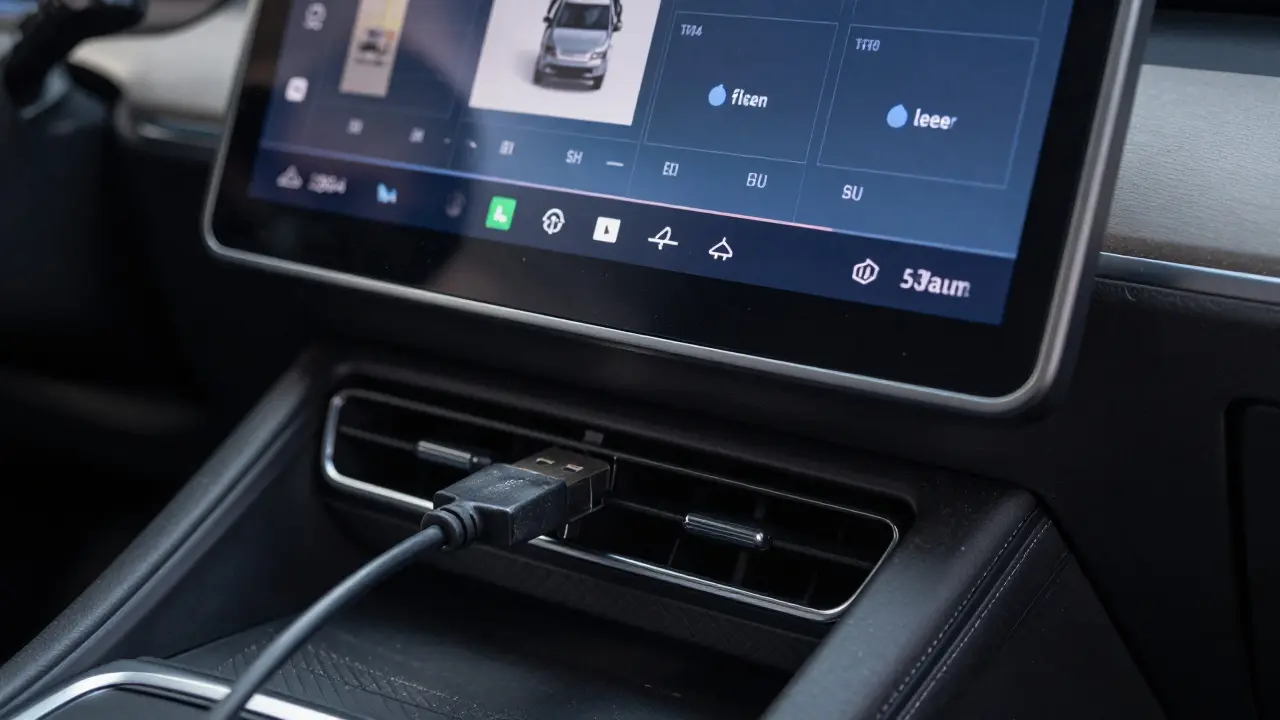
The modern car brain lives in the center console. Turn on the ignition. Does the screen light up instantly? Or does it flicker and reboot repeatedly? Frequent reboots point to software corruption or a failing display module. Swipe through the menus. Are they responsive? Laggy touchscreens suggest overheating components or outdated processors.
Connect your phone via Bluetooth. Pairing should happen within seconds. Make a test call. Speak clearly. Ask someone on the other end if your voice sounds distorted or if they hear static. Poor microphone quality ruins navigation prompts and calls. Then, connect via USB. Does the phone charge? Can you play music through Apple CarPlay or Android Auto? These systems rely on specific data pins in the charging port. If the port is worn, you get power but no data connection.
| Issue | Possible Cause | Repair Complexity |
|---|---|---|
| Screen flickering | Loose ribbon cable or failing LCD | High (requires dash removal) |
| No Bluetooth audio | Software glitch or antenna fault | Medium (software update first) |
| USB no data | Worn port contacts | Low (port replacement) |
| Touchscreen unresponsive | Digitizer failure | High (full unit replacement) |
Check the backup camera. Shift into reverse. Does the image appear immediately? Is it clear? Water damage often kills cameras first because they are exposed to the elements. A blurry or dark image means the lens is fogged or the sensor is dying. Replaceable, but inconvenient.
Climate Control and Air Quality
Turn the heater to maximum heat. Crank the fan speed up. Does hot air blow out within thirty seconds? Slow heating suggests a low coolant level or a failing thermostat. Now, switch to AC. Blast the cold air. It should feel freezing within a minute. Weak airflow points to a clogged cabin air filter or a failing blower motor resistor. The resistor is a common failure point that causes fans to only work on the highest setting.
Listen for rattles when changing fan speeds. Rattles often come from debris caught in the blower wheel. This requires removing the glove box to clean. Also, smell the air coming from the vents. Musty odors indicate mold in the evaporator core. Cleaning kits exist, but severe cases require professional chemical cleaning or part replacement.
Test the defrosters. Activate the front and rear defrost modes. The rear window should have visible heating elements that glow faintly. Check for broken lines in the mesh. One broken line reduces efficiency significantly. The front defroster should direct air strongly toward the windshield. Weak defrosting compromises visibility in rain or snow.
Lighting, Gauges, and Warning Lights
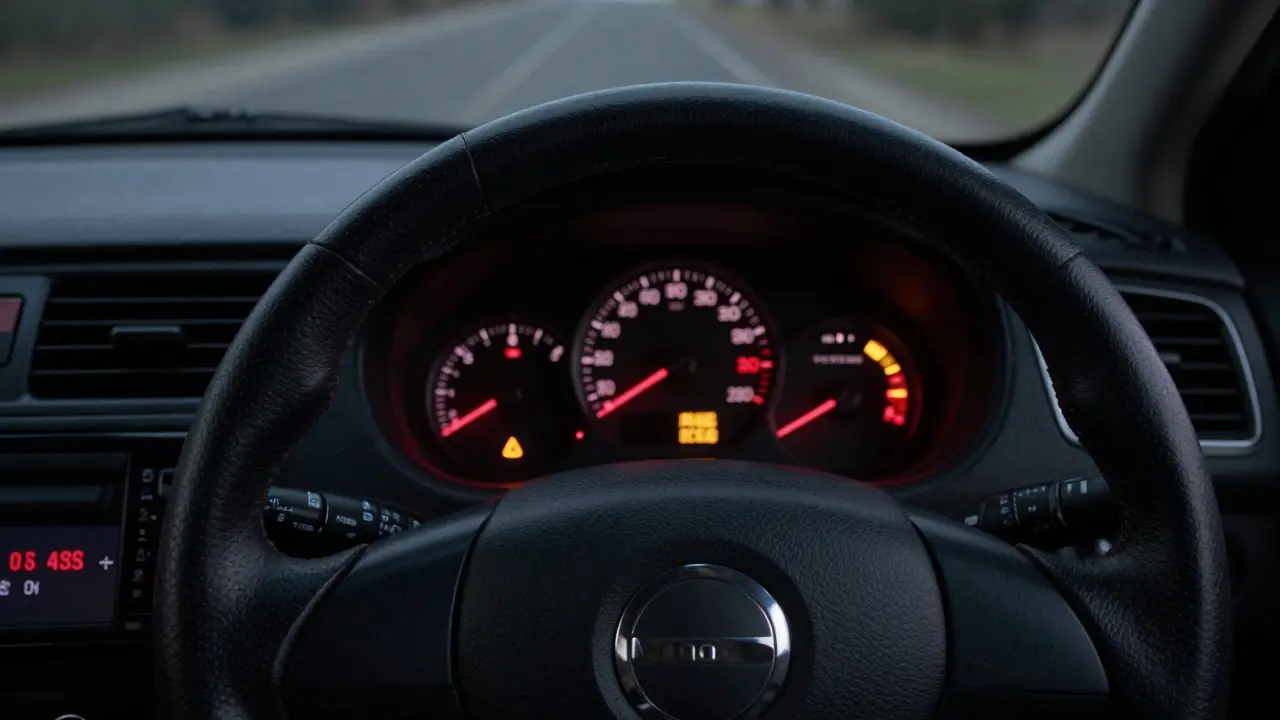
Start the engine. Watch the instrument cluster. All warning lights should illuminate briefly then turn off. If the Check Engine Light stays on, walk away unless the seller provides a diagnostic code. A lit ABS or Airbag light indicates active faults that could fail safety inspections. Don't accept "it just needs a code reset" as an excuse. Resetting clears history, not the problem.
Flip the light switch. Test the headlights, high beams, parking lights, and hazard flashers. Have a helper confirm they work while you toggle switches. Inside, check the dome light, map lights, and footwell illumination. Dim bulbs suggest old wiring or corroded grounds. Flickering lights often mean a bad ground connection, which can cause erratic behavior in electronics.
Press each button on the steering wheel. Volume, track skip, cruise control, voice command. Dead buttons result from worn contacts or disconnected ribbons behind the wheel. Repairing these requires removing the airbag, a job best left to professionals due to safety risks.
Windows, Locks, and Mirrors
Roll each window down and up. Do they move smoothly? Do they stay up without slipping? Slipping windows indicate worn regulator cables. These snap suddenly, leaving the window stuck open. Rain then pours into the door cavity, rotting the metal from the inside. Listen for straining motors. Grinding noises mean the mechanism is near failure.
Test the power locks. Lock and unlock using both the key fob and the interior buttons. Does the trunk pop open? Try the remote start if equipped. Does the engine crank reliably? Keyless entry systems suffer from dead battery sensors or faulty antennas in the doors. If the car doesn't recognize the key consistently, expect intermittent starting issues.
Adjust the side mirrors. Do they fold electrically? Do they heat up when the defrost is on? Heated mirrors help clear frost quickly. Broken mirror motors are cheap parts, but labor to replace them involves removing the entire door panel.
Odometer Verification and Mileage Consistency
Look at the odometer reading. Does it match the service records? Rollback fraud remains a serious issue. Compare the mileage to the wear on the steering wheel, pedals, and driver's seat bolster. A car with 50,000 miles but a bald steering wheel and flattened seat cushion likely has higher actual mileage. Discrepancies here invalidate warranties and resale value.
Check the trip computer. Reset the trip meter. Drive for a few minutes. Does it calculate average fuel economy accurately? Erratic calculations suggest tampered sensors. Modern cars store mileage in multiple modules (ECU, transmission, instrument cluster). Mismatched readings between modules trigger anti-theft alarms in some brands.
Is it worth buying a used car with a broken infotainment screen?
Only if you negotiate a significant price drop. Replacement units cost $1,000 to $3,000 depending on the brand. Aftermarket screens are cheaper but lack native integration. Ensure the radio still functions for basic audio if you plan to delay repair.
How do I detect water damage in the interior?
Lift all floor mats and check for dampness or rust stains. Sniff for mildew. Look under the dashboard for mud residue on wiring connectors. Check the spare tire well for standing water or corrosion. Moldy air filters are another strong indicator.
What does a grinding noise from the seat mean?
It usually means the seat track gears are stripped or the adjustment motor is failing. Continuing to use the seat can jam it permanently. Repair involves replacing the track assembly, which requires removing the seat from the vehicle.
Should I worry if the Bluetooth connects but audio doesn't play?
Yes. This indicates a software bug or a failing audio amplifier. Try updating the car's firmware first. If the issue persists, the amplifier may need replacement. This is a complex repair involving disassembly of the center console.
Can I fix a slipping window myself?
Temporarily, yes. You can tape the window up. Permanently, no. Regulator repairs require removing the door panel, disconnecting speakers and wiring, and replacing the mechanical linkage. It is labor-intensive and prone to misalignment if done incorrectly.