

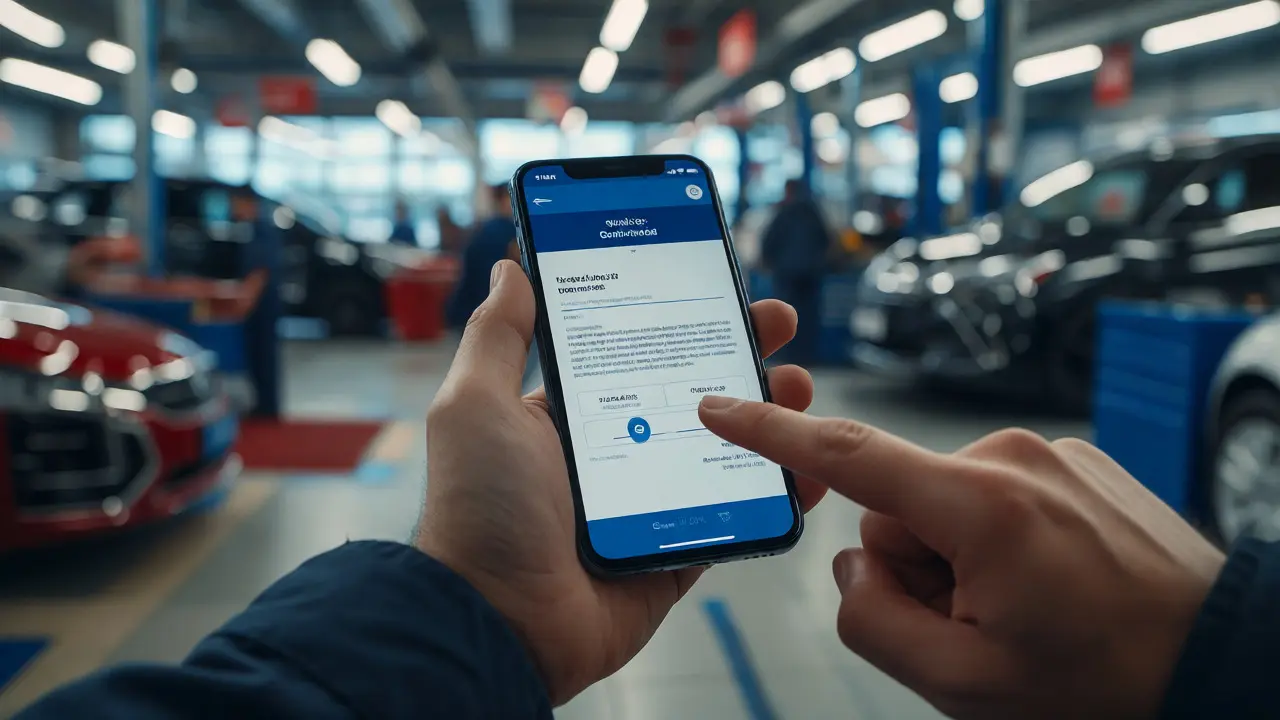
Walk onto any busy lot today and you’ll notice something different. The salesperson isn’t chained to a desk in the back office. They’re standing next to a customer’s SUV, tapping away on a tablet or smartphone, pulling up inventory, calculating payments, and sending digital contracts right there in the driveway. This shift isn’t just a trend; it’s the new standard for mobile-first dealership management. If your sales team is still running around grabbing paper forms from a printer that jams every third time, you’re losing deals before they even start.
The core problem with traditional dealership operations is friction. Every minute a customer spends waiting for a manager to approve a price, or for a finance director to print a document, is a minute they spend checking their phone for competitor offers. Mobile technology removes that friction. It puts the entire Dealership Management System (DMS) into the palm of your salespeople’s hands. But simply buying an app isn’t enough. You need a strategy that empowers your team to sell faster, smarter, and more transparently. Here is how you make the switch work.
Why Desktops Are Killing Your Close Rate
Think about the last time you bought a car. Did you enjoy sitting in a sterile office while someone ran to get coffee? Probably not. Customers want speed and convenience. When a sales associate has to leave the customer alone to go back to a desktop computer, two things happen: the momentum dies, and the customer feels like a number.
Data from recent industry reports suggests that dealerships using mobile-enabled workflows see a significant uptick in conversion rates. Why? Because mobile devices allow for real-time interaction. A salesperson can show three different vehicles side-by-side on a high-resolution screen, adjust payment structures instantly, and email a quote before the customer even stands up from the test drive. This immediacy builds trust. It shows the customer that you respect their time.
Moreover, mobile access breaks down silos. In old-school setups, sales, service, and parts departments often operated in separate bubbles. A mobile-first approach connects them. If a customer asks about tire availability during a sales conversation, the salesperson doesn’t have to guess. They check the live inventory database on their phone. No more "let me find out for you." It’s yes, no, or here’s when we can get it. That certainty sells cars.
Key Features That Actually Matter
Not all mobile apps are created equal. Some are just watered-down versions of the desktop site, clunky and slow. Others are built specifically for touch interfaces and quick actions. When evaluating tools for your automotive sales teams, look for these specific capabilities:
- Real-Time Inventory Sync: The system must update stock levels instantly. Nothing kills credibility faster than selling a car that was sold ten minutes ago by another rep.
- Integrated CRM Access: Salespeople need full customer history at their fingertips. Who visited last month? What did they drive previously? Were they unhappy with our service department? Knowing this context changes the conversation from transactional to relational.
- Digital Contracting Tools: Paperless closings are non-negotiable now. The app should support e-signatures and secure document uploads directly from the device camera.
- Offline Mode Capability: Lots are big. Wi-Fi spots are few. Your tool needs to cache data so reps can continue working in dead zones, syncing automatically once they regain connection.
Don’t fall for the trap of feature bloat. You don’t need a tool that does everything under the sun if it makes the basic tasks hard to do. Simplicity wins. The best interface is one a new hire can master in an afternoon.
Empowering Your Sales Team, Not Just Tracking Them
A common mistake managers make is viewing mobile tech as a surveillance tool. They install GPS tracking and activity logs, then wonder why staff morale drops. If your team feels spied on, they’ll game the system. Instead, position mobile tools as enablers. Show them how it makes their commission checks bigger.
Consider the daily routine of a top-performing salesperson. Without mobile tools, they spend hours on administrative tasks: entering lead data, scheduling follow-ups, printing documents. With a robust mobile platform, these tasks take seconds. Voice-to-text features let them log notes immediately after a conversation. Automated reminders ping them when it’s time to call a hot lead. This frees up mental energy for what actually matters: building rapport and negotiating deals.
Training is also easier with mobile-first systems. Since everyone carries a smartphone, the learning curve is minimal. Most people already know how to navigate apps. Focus your training on process changes rather than button locations. Role-play scenarios where reps use their phones to solve problems on the spot. Make it feel like a superpower, not homework.
Overcoming Connectivity and Security Hurdles
Let’s address the elephant in the room: security. Handing sensitive customer data over cellular networks scares some IT directors. But modern encryption standards have made mobile transactions safer than many legacy desktop networks. Ensure your vendor uses end-to-end encryption and biometric login options like FaceID or fingerprint scanning. This adds a layer of security that passwords often lack.
Connectivity is another practical concern. Dealership lots are notorious for poor signal strength due to metal structures and distance from routers. Don’t assume the existing infrastructure will handle the load. Conduct a site survey. Place mesh network nodes strategically across the showroom and used-car lots. Test signal strength in corners, behind buildings, and inside parked cars. If the internet cuts out, does the app crash, or does it save locally? Choose solutions designed for intermittent connectivity.
| Task | Traditional Desktop Workflow | Mobile-First Workflow |
|---|---|---|
| Lead Response | Check email on PC every hour | Instant push notification & reply |
| Inventory Check | Ask floor plan manager or check binder | Live search on smartphone |
| Payment Quote | Run numbers on desktop, print PDF | Adjust sliders in app, send via text/email |
| Closing | Print multiple copies, wet signatures | E-signature on tablet, instant archive |
| Follow-Up | Manual entry into CRM later | Voice note logged immediately post-call |
Integrating with Service and Parts Departments
Sales don’t happen in a vacuum. A happy customer is a repeat customer, and much of that happiness comes from the service experience. Mobile-first management bridges the gap between sales and service. Imagine a scenario: A customer buys a truck. Six months later, they bring it in for maintenance. The service advisor sees the sales rep’s notes on their tablet: "Customer loves off-roading, prefers synthetic oil." That personal touch costs nothing but earns loyalty.
Furthermore, mobile tools help manage trade-ins more effectively. During a trade-in appraisal, the app can pull historical market values, repair estimates, and reconditioning costs in real-time. This transparency prevents disputes later. Everyone sees the same data. It turns a potentially adversarial negotiation into a collaborative calculation.
For multi-location dealerships, mobile consistency is vital. Standardizing processes across branches ensures that a customer gets the same level of service whether they visit the city location or the suburban branch. Centralized dashboards allow general managers to monitor performance metrics across all sites without being physically present.

Measuring Success Beyond Revenue
How do you know if your investment in mobile technology is paying off? Look beyond monthly gross profit. Track leading indicators that predict future success. Monitor response times to leads. Measure the average time from first contact to test drive. Analyze the drop-off rate during the paperwork phase.
If your team responds to web leads within five minutes instead of two hours, you’ll likely see higher appointment set rates. If digital contracting reduces closing time from 90 minutes to 30, customer satisfaction scores (NPS) should rise. Use these metrics to refine your strategy. Maybe your team struggles with the financing module. Provide targeted coaching. Maybe they ignore the service history tab. Highlight its value in upselling extended warranties.
Remember, technology is only as good as the human using it. Regular feedback loops are essential. Ask your salespeople what frustrates them about the current setup. Their insights are gold. They are on the front lines, dealing with real customers and real obstacles. Incorporate their suggestions into your rollout plan.
Frequently Asked Questions
Is mobile-first dealership management expensive to implement?
Costs vary based on the size of your dealership and the chosen vendor. While there is an upfront cost for licenses and hardware (tablets/smartphones), most dealerships find that the increase in sales velocity and reduction in administrative labor offsets the expense within six to twelve months. Many providers offer subscription models that scale with your user count, making it accessible for smaller independent dealers too.
Do I need to replace my existing DMS to go mobile?
Not necessarily. Many modern mobile applications integrate seamlessly with legacy DMS platforms like Reynolds, CDK, or Dealertrack via APIs. However, if your current DMS is very old and lacks API support, you might face integration challenges. It’s worth consulting with your software provider to determine if a bridge solution exists or if a full migration is more cost-effective in the long run.
How does mobile technology improve customer trust?
Transparency drives trust. When a salesperson can instantly show a customer the vehicle history report, real-time inventory status, and clear pricing breakdowns on a shared screen, it eliminates the perception of hidden agendas. Customers appreciate seeing the data firsthand. Additionally, reducing wait times for approvals and paperwork signals professionalism and respect for their schedule.
What happens if the internet goes down on the lot?
High-quality mobile dealership apps include offline modes. These features cache critical data such as customer profiles, recent quotes, and limited inventory lists locally on the device. Salespeople can continue taking notes, drafting emails, and reviewing stored information. Once connectivity is restored, the app syncs the data automatically. Always test the offline functionality during the pilot phase to ensure it meets your operational needs.
Can mobile tools help with compliance and documentation?
Yes, significantly. Digital record-keeping ensures that all communications, quotes, and signed documents are timestamped and archived centrally. This creates an audit trail that is difficult to achieve with paper files. It simplifies compliance with regulations regarding advertising disclosures and consumer protection laws, as every interaction is logged and retrievable.
Comments
Onyinyechi Nwosu
this is so true my friend works at a dealership and the paper stuff drives him crazy he always says it feels like 1995 in there
September 18, 2026 at 21:56
Art HND
Most dealerships are just lazy not tech illiterate they know exactly what to do but refuse to change because training costs money and their ego prefers the status quo
September 19, 2026 at 04:12
Mark Harvey
love this perspective especially the part about empowering rather than surveilling that shift in mindset makes all the difference for team morale
September 20, 2026 at 22:54
Kim Edwards
I literally cannot stress enough how much I hate sitting in that sterile office while some guy runs back and forth like a headless chicken waiting for approval. It’s exhausting. It’s soul-crushing. You feel like you’re being held hostage by bureaucracy when you just want to buy a car. The mobile approach isn’t just convenient, it’s a moral imperative for respecting human time. If your dealer still uses a fax machine or prints contracts on jam-prone printers, run. Run away fast. Don’t look back. Your blood pressure will thank you.
September 21, 2026 at 14:40
Chandan Singh
While the article touches on valid points regarding workflow efficiency it overlooks the critical infrastructure requirements many rural dealerships face. Without robust LTE coverage or dedicated mesh networks the offline mode becomes a liability due to data sync conflicts. Furthermore the integration with legacy DMS systems often requires expensive API middleware which negates the cost savings mentioned for smaller independent lots. One must also consider the cybersecurity implications of biometric data storage on consumer-grade devices versus enterprise managed endpoints.
September 23, 2026 at 07:16
Brenna Gonedrman
OMG YES FINALLY someone said it. Sitting in that box is the worst thing ever. I felt like I was dying inside last time I bought a car. The salesperson left me alone for 45 minutes just to get a manager signature. Forty five minutes! I could have driven home and come back. Mobile tools save lives literally. My anxiety would drop 50% if every dealer did this.
September 24, 2026 at 07:10
Joanna Mucha
The commodification of the automotive transaction through digital interfaces risks eroding the tactile intimacy of the purchase experience. We are trading the handshake for the haptic feedback loop creating a sterile veneer of efficiency over the inherent chaos of negotiation. Is speed truly the highest virtue or merely the dominant metric of late-stage capitalism? Perhaps we are optimizing for the wrong variables entirely losing the human connection in favor of algorithmic precision.
September 24, 2026 at 18:42
Quintin Franzese
great post i guess but most dealerships are too cheap to buy good tablets so they give us cracked iphones from 2018 and expect magic. also wifi on the used lot is basically a myth unless you stand directly under the router which is usually behind the service bay doors.
September 25, 2026 at 18:27
Amara Akbar
It is wonderful to see such a comprehensive breakdown of the benefits. I particularly appreciate the emphasis on bridging the gap between sales and service departments as this holistic view ensures long-term customer loyalty. For those considering this transition please remember that patience during the implementation phase is key to ensuring staff adoption remains high and positive.
September 27, 2026 at 16:11
Brandon Olvera
Finally American innovation getting credit where due. Most of these tech solutions are bloated garbage trying to solve problems that don't exist. Keep it simple keep it domestic. Foreign software vendors charge outrageous licensing fees for basic features. We need American-made DMS platforms that respect our privacy and our wallet.
September 28, 2026 at 00:28
Zach Loescher
I wonder how this affects older demographics who might prefer face-to-face interaction without screens. Does the immediacy actually reduce trust for people who value the traditional ritual of paperwork signing?
September 28, 2026 at 05:28
Onyinyechi Nwosu
exactly right mark surveillance kills the vibe completely if they feel watched they stop trying hard
September 28, 2026 at 19:03