
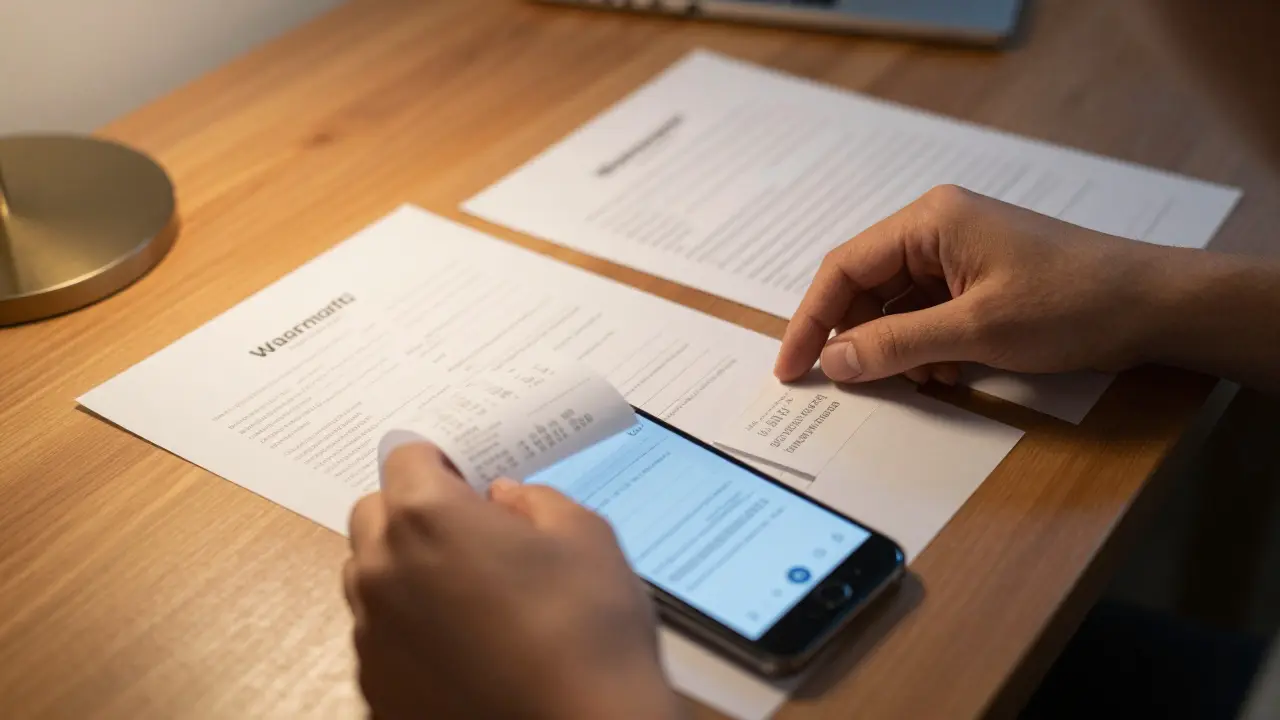
You just noticed that strange noise coming from your new appliance or car. It’s annoying, it’s unexpected, and it feels like money down the drain. But wait-did you buy that item with a manufacturer's warranty? If so, you have a powerful tool at your disposal to get it fixed for free or at a reduced cost. The problem is that most people panic when they try to use their warranty. They call customer service without having their papers ready, they throw away the receipt, or they accidentally void the coverage by trying to fix it themselves first.
Filing a warranty claim doesn’t have to be a nightmare of red tape and rejection letters. In fact, if you know exactly what documentation you need and follow the correct steps, the process can be surprisingly smooth. This guide breaks down exactly how to navigate the system, what paperwork protects you, and how to avoid the common traps that lead to denied claims.
Understanding Your Coverage Before You Start
Before you pick up the phone or log into a portal, you need to understand what you actually bought. A warranty isn't a magic shield that covers every single thing that goes wrong. It is a legal contract between you and the manufacturer or retailer. Knowing the specific terms saves you time and frustration later on.
There are generally two types of warranties you will encounter:
- Limited Warranty: This is the most common type. It covers specific parts or labor for a set period. For example, a car might have a 3-year powertrain warranty but only a 1-year bumper-to-bumper warranty. It usually excludes wear-and-tear items like brake pads or windshield wipers.
- Full Warranty: This is rarer and more comprehensive. Under federal law in the US (Magnuson-Moss Warranty Act), a full warranty must cover the entire product for the stated duration, including removal and reinstallation costs. It often allows you to choose between a refund or replacement if the defect isn't fixed after a reasonable number of attempts.
Check your original purchase documents. Look for the "Exclusions" section. This is where manufacturers hide the details about what they won't pay for. Common exclusions include damage from misuse, accidents, lack of maintenance, or unauthorized repairs. If you modified your device or vehicle, read this section carefully.
Gathering Essential Warranty Documentation
The biggest reason claims get delayed or denied is missing paperwork. Manufacturers operate on a strict evidence-based system. They need proof that you own the item, that it is still under warranty, and that the defect is covered. Here is the checklist of documents you should gather before initiating contact.
| Document Type | Why It Matters | Where to Find It |
|---|---|---|
| Proof of Purchase | Verifies the start date of the warranty period and proves ownership. | Original receipt, credit card statement, or invoice from the dealer. |
| Serial Number & Model Number | Identifies the exact unit. Without this, they cannot look up your specific product history. | Sticker on the device, engine bay, or back of the appliance. Also listed on the box. |
| Warranty Certificate | Outlines the specific terms, conditions, and exclusions agreed upon at sale. | Inserted in the manual, emailed after online purchase, or registered online. |
| Maintenance Records | Proves you followed care instructions. Critical for cars and high-end electronics. | Service logs, oil change receipts, or software update histories. |
| Photos/Videos of Defect | Visual evidence of the issue. Helps technicians diagnose before you ship the item. | Your smartphone camera. Take clear, well-lit shots of the error message or physical damage. |
If you lost your original receipt, don't panic. Credit card statements often suffice as proof of purchase date. For vehicles, the title or registration can sometimes help establish ownership timeline, though the dealer is usually required to keep records for several years.

Step-by-Step: How to File the Claim
Once your documents are organized, it's time to initiate the claim. Most companies have moved away from paper forms to digital portals, which speeds up the process significantly. Follow these steps to ensure your claim moves forward without hiccups.
- Locate the Contact Channel: Check the warranty certificate for a dedicated support line or website. Do not use general customer service numbers if possible; they often route you through long queues. Many brands now have a "Support" or "Warranty" tab on their homepage.
- Create an Account (If Required): Many manufacturers require you to register the product online before filing a claim. If you haven't done this yet, do it now. Link your email and phone number to the serial number.
- Submit the Initial Request: Fill out the online form or speak to the agent. Provide the model number, serial number, and purchase date immediately. Describe the issue clearly. Avoid emotional language; stick to facts. Instead of "It broke and I'm furious," say "The screen flickers intermittently after 10 minutes of use, despite being fully charged."
- Receive a Case Number: Never end a call or close a ticket without a unique case number or reference ID. Write this down. This is your tracking code for all future communications.
- Follow Diagnostic Instructions: The support team may ask you to perform basic troubleshooting (restarting, updating firmware, checking connections). Document every step you take. If these steps fail, confirm this to the agent so they can authorize the next level of support.
Authorization and Repair Options
After the initial review, the manufacturer will decide how to handle the repair. This stage involves Repair Authorization, a formal approval to proceed with fixes. You typically have three options here:
- In-Home Repair: A technician comes to your house. This is common for large appliances like refrigerators or HVAC systems. Ensure someone is home during the window provided.
- Mail-In Repair: You ship the item to a service center. You will receive a Return Merchandise Authorization (RMA) number. Pack the item securely in its original packaging if possible. Include a copy of your receipt inside the box.
- Authorized Service Center Drop-Off: You take the item to a local partner shop. Make sure the shop is explicitly authorized by the manufacturer. Taking a laptop to a random repair shop can void the remaining warranty.
If the manufacturer denies the claim, ask for the specific reason in writing. Is it due to cosmetic damage? Lack of maintenance? Or does the issue fall outside the coverage period? Understanding the denial helps you decide if you want to appeal or pay for out-of-pocket repairs.

Common Pitfalls That Void Warranties
Even with perfect documentation, your claim can be rejected if you violated the terms of the agreement unknowingly. Here are the most frequent mistakes consumers make.
Unauthorized Modifications: Opening up a sealed device, rooting a phone, or installing aftermarket parts on a car can void the warranty. In the US, the Magnuson-Moss Warranty Act states that manufacturers cannot void a warranty simply because you used non-OEM parts, unless they can prove those parts caused the damage. However, proving this burden of proof falls on them, and the process can be lengthy.
Lack of Maintenance: For cars and complex machinery, skipping scheduled maintenance is a quick way to lose coverage. If your engine fails because you never changed the oil, the warranty won't cover it. Keep detailed logs of all services.
Cosmetic Damage vs. Functional Defects: Warranties cover defects in materials and workmanship, not normal wear and tear. Scratches, dents, and cracked screens from drops are usually considered accidental damage, which requires separate insurance or protection plans, not standard warranty coverage.
What Happens After Approval?
Once approved, the clock starts ticking. Timelines vary by industry. Electronics might be repaired within 7-14 days. Automotive repairs could take weeks if parts need to be ordered. During this time, maintain communication using your case number.
If the repair takes longer than promised, ask for a loaner unit or a rental car allowance if applicable. Some warranties include provisions for inconvenience compensation. When the item is returned, test it thoroughly before signing off on the repair order. If the same issue persists, reopen the case immediately while the work is fresh in the technician's mind.
How long do I have to file a warranty claim?
You should file a claim as soon as you notice the defect. While the warranty period defines the outer limit (e.g., 1 year from purchase), delays can complicate things. If you wait until the last month of a one-year warranty to report an issue that started six months ago, the manufacturer might argue the defect resulted from recent misuse rather than a manufacturing flaw. Prompt reporting strengthens your case.
Can I transfer my warranty to a new owner?
It depends on the product. Vehicle warranties are often transferable, sometimes for a fee. Consumer electronics warranties are typically non-transferable and tied to the original purchaser's proof of purchase. Always check the "Transferability" clause in your warranty certificate. If you are selling a used item, provide the buyer with all original documentation to see if partial coverage remains.
What if the manufacturer refuses to honor the warranty?
First, request a written explanation for the denial. If you believe the denial is unjust, you can escalate the complaint to a supervisor. In the US, you can also file a complaint with the Federal Trade Commission (FTC) or your state's Attorney General office. For significant amounts, small claims court is an option. Keeping meticulous records of all communications is vital for these steps.
Does shipping the item myself void the warranty?
Not necessarily, but improper packing can cause additional damage that isn't covered. Always use the original packaging if available. If the manufacturer provides a prepaid shipping label, use it. If you must ship it yourself, insure the package and photograph the item before sealing the box to prove its condition prior to transit.
Is there a difference between a store warranty and a manufacturer warranty?
Yes. A manufacturer warranty comes directly from the maker of the product and is honored anywhere the brand has service centers. A store warranty (or extended service plan) is sold by the retailer and is only valid through that specific store chain. Store warranties often have simpler return policies but may offer less comprehensive technical support compared to factory-trained technicians.